


FL Studio MIDI controllers
Pick your FL Studio controller
-
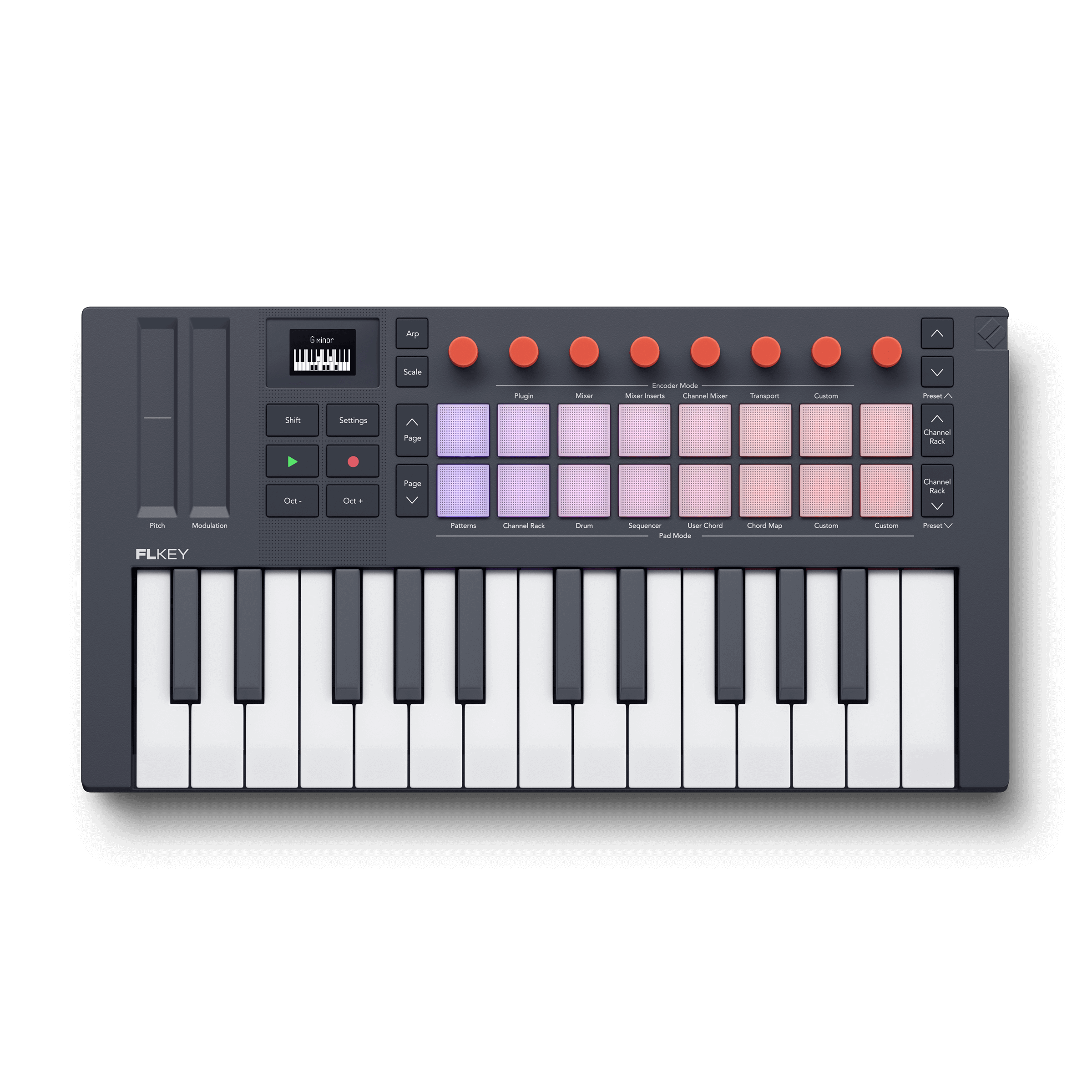
FLkey
Sketch beats, make hooks, and finish your tracks with the only MIDI keyboard controller made for FL Studio.Shop FLkey -
FLpad
Step sequence four instruments at once, play parts live, and develop ideas from an 8x8 MIDI pad controller.Shop FLpad


FLkey
More feeling, more flow
Need great-feeling keys and holistic control over your FL Studio workflow? FLkey is the logical choice. This MIDI keyboard controller combines expressive keys with 16 responsive RGB pads, powerful built-in creative tools, and a direct connection to your favourite tools and plugins.
FLpad
Faster beats, step by step
FLpad’s grid is hardwired to your Channel Rack for a focused, groovebox-like workflow. It’s the fastest way to trigger samples, step sequence up to four instruments at once, finger drum and play melodic parts, and develop your ideas with Patterns.
See our FL Studio MIDI controllers in action
Watch your favourite creators unbox, explore, and make beats with FLkey and FLpad.
Compare FLkey and FLpad
FLpad Mini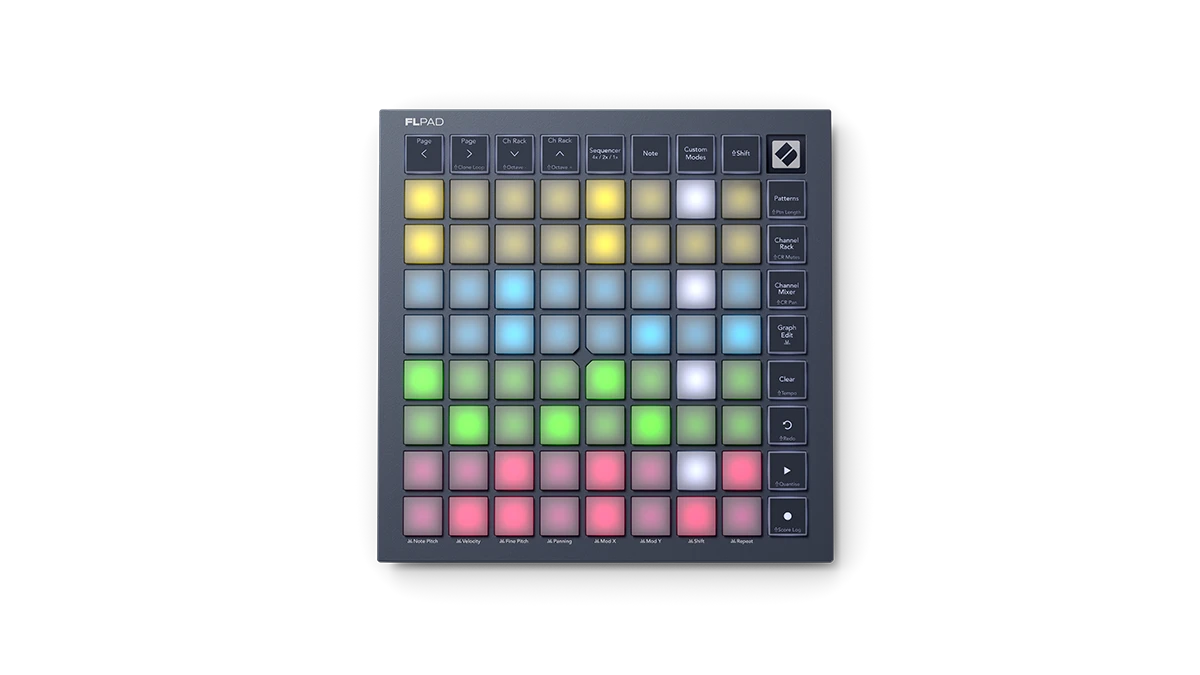
|
FLpad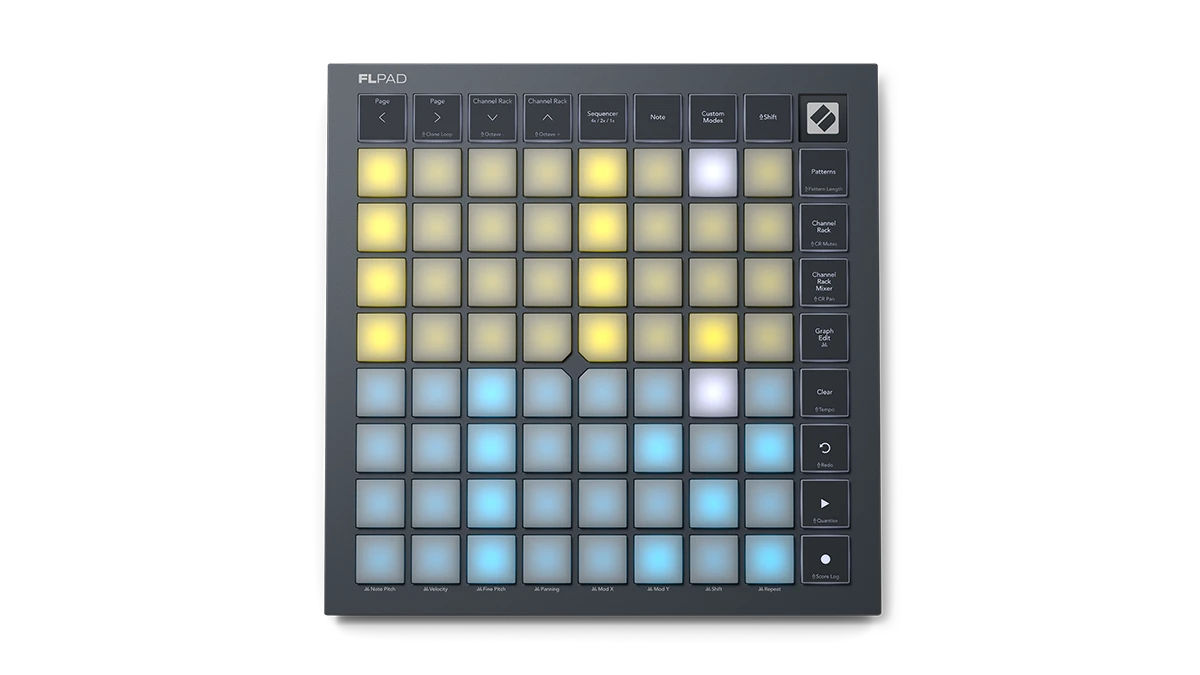
|
FLkey Mini 25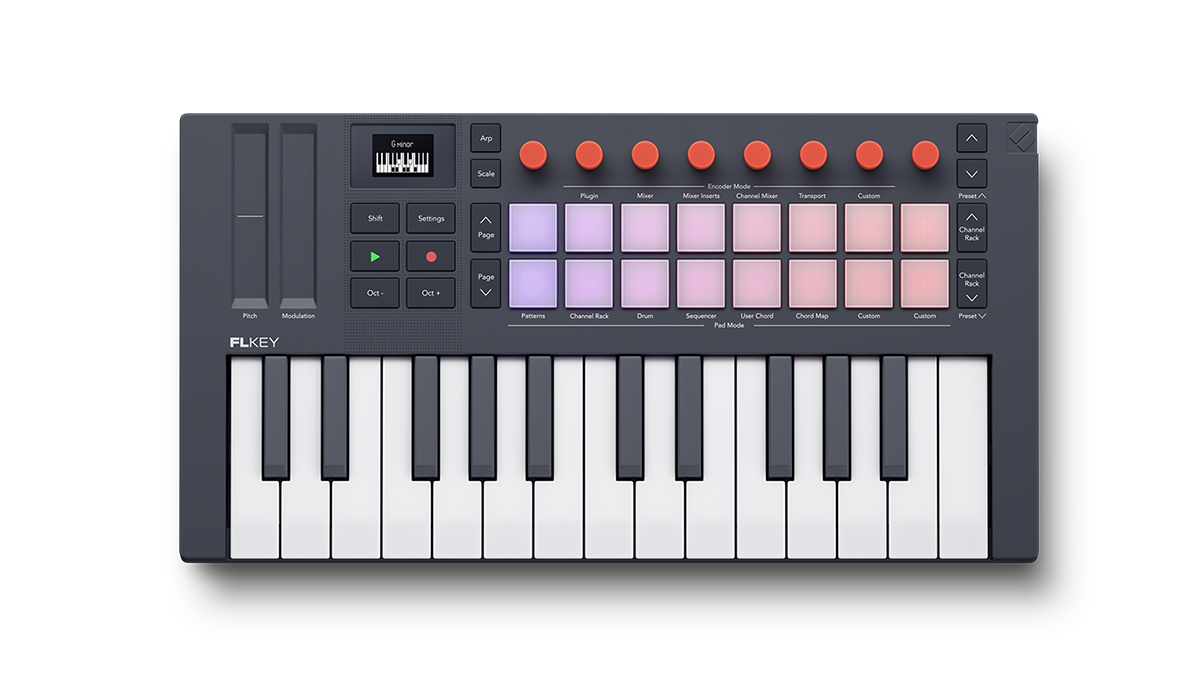
|
FLkey 37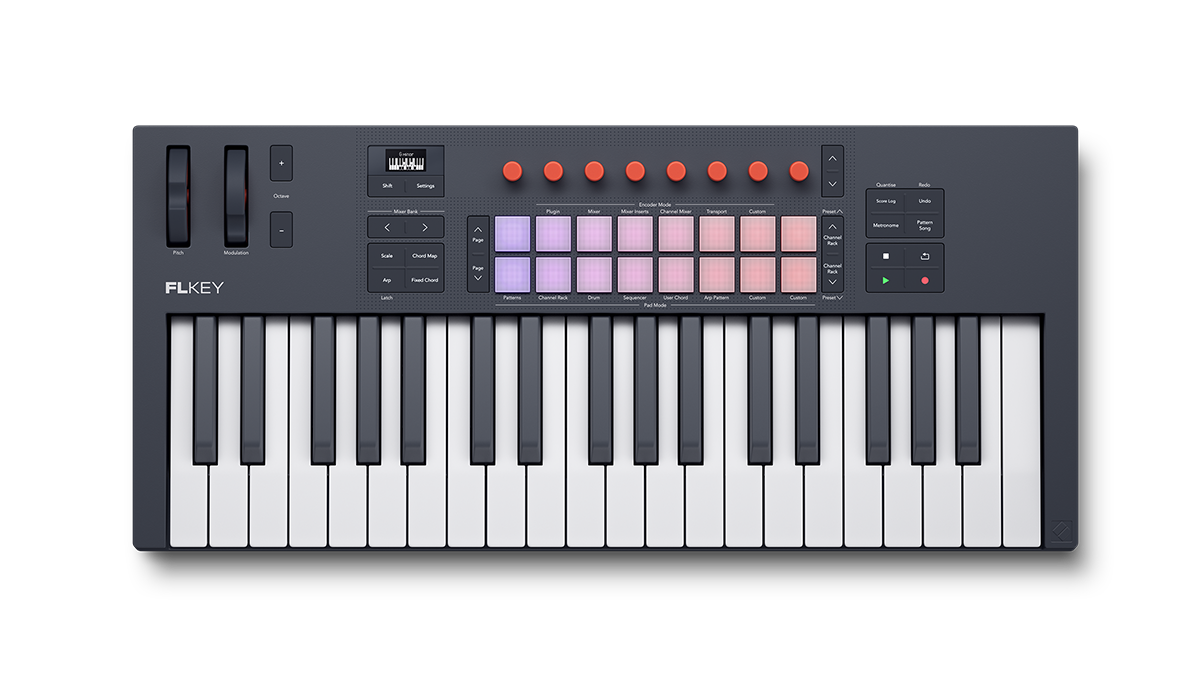
|
FLkey 49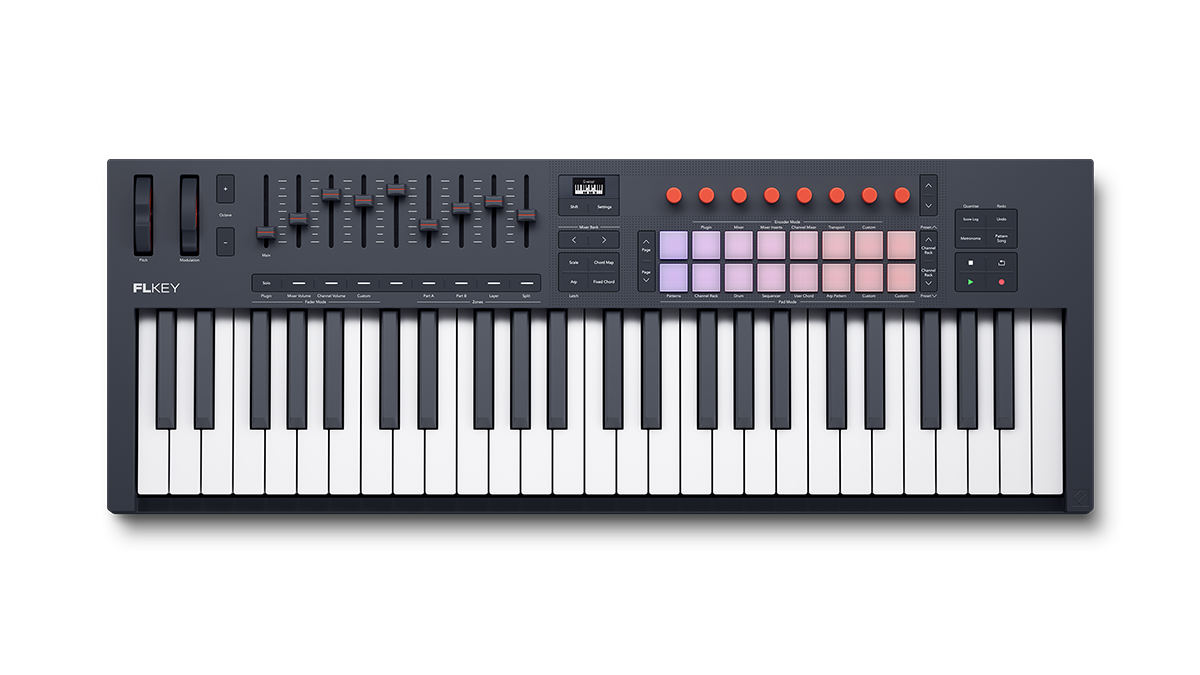
|
FLkey 61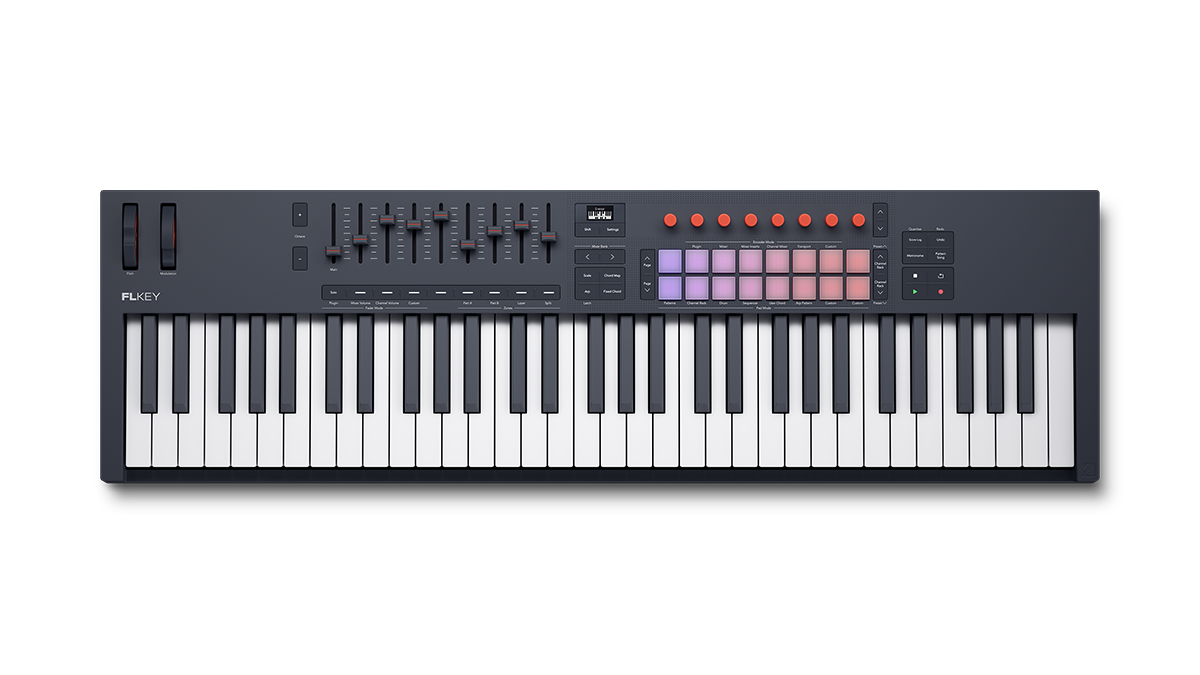
|
|
|---|---|---|---|---|---|---|
| Playing surfaces | ||||||
| Pads | 64 | 64 | 16 | 16 | 16 | 16 |
| Pad layout | 8x8 | 8x8 | 2x8 | 2x8 | 2x8 | 2x8 |
| Pad size | Mini | Full-size | Full-size | Full-size | Full-size | Full-size |
| Keys | ✘ | ✘ | 25 mini keys | 37 | 49 | 61 |
| Keybed | ✘ | ✘ | Synth action | Synth action | Semi weighted | Semi weighted |
| Velocity sensitivity | ✘ | ✔ | Pads and keys | Pads and keys | Pads and keys | Pads and keys |
| Hardware features | ||||||
| Buttons | ✔ | ✔ | ✔ | ✔ | ✔ | ✔ |
| Endless encoders | ✘ | ✘ | 8 | 8 | 8 | 8 |
| Faders and fader buttons | ✘ | ✘ | ✘ | ✘ | 9 | 9 |
| Pitch/Mod | ✘ | ✘ | Touch strips | Wheels | Wheels | Wheels |
| OLED display | ✘ | ✘ | ✔ | ✔ | ✔ | ✔ |
| DAW integration | ||||||
| Holistic FL Studio control | ✘ | ✘ | ✔ | ✔ | ✔ | ✔ |
| FL Studio Channel Rack control | ✔ | ✔ | ✔ | ✔ | ✔ | ✔ |
| FL Studio Plugin control | ✘ | ✘ | ✔ | ✔ | ✔ | ✔ |
| Max. no. of sequencer lanes | 4 | 4 | 1 | 1 | 1 | 1 |
| Custom Modes | ✔ | ✔ | ✔ | ✔ | ✔ | ✔ |
| HUI support | ✘ | ✘ | ✔ | ✔ | ✔ | ✔ |
| I/O | ||||||
| USB bus power | ✔ | ✔ | ✔ | ✔ | ✔ | ✔ |
| MIDI output | ✘ | ✘ | 3.5 mm | 5-pin | 5-pin | 5-pin |
| Sustain pedal input | ✘ | ✘ | ✔ | ✔ | ✔ | ✔ |
| Kensington Security Slot | ✔ | ✔ | ✔ | ✔ | ✔ | ✔ |
| Weights and dimensions | ||||||
| Width | 180 mm (7.10 in) | 240 mm (9.45 in) | 338.5 mm (13.33 in) | 557 mm (21.93 in) | 730 mm (28.74 in) | 895 mm (35.24 in) |
| Height | 180 mm (7.10 in) | 240 mm (9.45 in) | 176.8 mm (6.96 in) | 251 mm (9.88 in) | 263.5 mm (10.37 in) | 263.5 mm (10.37 in) |
| Depth | 15 mm (0.57 in) | 18 mm (0.69 in) | 49 mm (1.93 in) | 79 mm (3.11 in) | 93 mm (3.66 in) | 93 mm (3.66 in) |
| Weight | 0.38 kg (0.85 lbs) | 0.83 kg (1.83 lbs) | 0.78 kg (1.72 lbs) | 2.18 kg (4.81 lbs) | 4.08 kg (9.00 lbs) | 4.78 kg (10.54 lbs) |
| Order now | Order now | Order now | Order now | Order now | Order now | |
Frequently asked questions
FLkey is a MIDI keyboard controller built specifically for FL Studio. There are four differently sized keyboards in the range, spanning from 25 to 61 keys, with each offering 16 RGB-backlit pads, built-in creative tools, and an array of hardware controls designed to give you tactile control over the full FL Studio workflow.
FLpad is based on an 8x8 grid of RGB-backlit pads. Unlike FLkey, it is focused on Channel Rack sequencing and delivers a groovebox-like workflow for instant beatmaking regardless of your keyboard skills. It makes it easy to manage Patterns and Channel Rack information, and the larger grid allows you to see more steps and sequence multiple instruments at the same time.
FLpad is based on an 8x8 grid of RGB-backlit pads. Unlike FLkey, it is focused on Channel Rack sequencing and delivers a groovebox-like workflow for instant beatmaking regardless of your keyboard skills. It makes it easy to manage Patterns and Channel Rack information, and the larger grid allows you to see more steps and sequence multiple instruments at the same time.
Launchkey and Launchpad are designed to support a wide range of workflows in Ableton Live and other DAWs. From working directly with Image-Line, we’ve learned that FL Studio MIDI controllers require a deliberately designed user interface that offers an intuitive, immediate connection to FL Studio’s unique workflows.
The Launchkey and Launchpad hardware share an industrial design with our FL Studio-specific ranges, but FLkey and FLpad’s FL Studio integration relies on key firmware and user interface changes alongside bespoke DAW scripts.
The Launchkey and Launchpad hardware share an industrial design with our FL Studio-specific ranges, but FLkey and FLpad’s FL Studio integration relies on key firmware and user interface changes alongside bespoke DAW scripts.
The best controller for FL Studio depends on your preferred workflow and your existing setup. Both FLkey and FLpad come in a range of different sizes with slightly different feature sets between them.
If you play keys, or want to learn, and value holistic control of your FL Studio projects, FLkey is probably the best choice. If you’re happy with your existing workflow but would like a faster, more tactile way to sequence, play, and arrange beats in the Channel Rack, FLpad is right for you.
FLkey and FLpad are designed to complement one another, and the combination of both represents the ultimate FL Studio-specific MIDI controller setup.
If you play keys, or want to learn, and value holistic control of your FL Studio projects, FLkey is probably the best choice. If you’re happy with your existing workflow but would like a faster, more tactile way to sequence, play, and arrange beats in the Channel Rack, FLpad is right for you.
FLkey and FLpad are designed to complement one another, and the combination of both represents the ultimate FL Studio-specific MIDI controller setup.
FLpad is the only MIDI pad controller designed specifically for fast beatmaking, finger drumming, and step sequencing directly in the FL Studio Channel Rack. Its 8x8 grid provides a tactile way to work with multiple instruments at once. If you also want expressive keyboard playing and broader hands-on control of your FL Studio projects, consider FLkey, which combines a MIDI keyboard with 16 RGB pads and dedicated FL Studio controls.
A MIDI pad controller is a hardware controller with pads that can be used to trigger sounds, play drums, launch clips, sequence notes, and control music software. MIDI pad controllers are particularly useful for beatmaking, finger drumming, sample triggering, and step sequencing.
FLpad is a MIDI pad controller designed specifically for FL Studio, with an 8x8 grid that connects directly to the Channel Rack. It lets you sequence multiple instruments, trigger sounds, play melodic parts, and develop Patterns directly from the hardware.
FLpad is a MIDI pad controller designed specifically for FL Studio, with an 8x8 grid that connects directly to the Channel Rack. It lets you sequence multiple instruments, trigger sounds, play melodic parts, and develop Patterns directly from the hardware.
FL Studio does not support polyphonic aftertouch by default. The full-size FLpad does send polyphonic aftertouch data, as do the 16 RGB-backlit pads on all sizes of FLkey. Using Custom Modes, you can control supported software and hardware with either controller.
Not exactly — both ranges come in different sizes and features vary somewhat between them.
For FLkey, most features are consistent across the entire range. All sizes use the same firmware, making the same intuitive FL Studio integration and powerful built-in creative tools available in the right size for any setup.
There are some differences to be aware of: Faders, semi-weighted keys, and keyboard layers and splits are exclusive to FLkey 49 and FLkey 61. Due to its size, FLkey Mini 25 deifiers from the rest of the range with the inclusion of pitch and mod touch strips instead of wheels and the omission some dedicated workflow buttons, including Undo/Redo. Metronome, Pattern/Song, Quantise, and Score Log. FLkey Mini 25 also features a TRS MIDI Output rather than full-size MIDI DIN. A suitable adapter can be purchased separately.
FLpad’s core features and functionality are consistent across the range with one notable exception: The full-size FLpad features velocity sensitivity for more expressive finger drumming and melodic playing, whereas FLpad Mini can only be played with fixed velocity.
For FLkey, most features are consistent across the entire range. All sizes use the same firmware, making the same intuitive FL Studio integration and powerful built-in creative tools available in the right size for any setup.
There are some differences to be aware of: Faders, semi-weighted keys, and keyboard layers and splits are exclusive to FLkey 49 and FLkey 61. Due to its size, FLkey Mini 25 deifiers from the rest of the range with the inclusion of pitch and mod touch strips instead of wheels and the omission some dedicated workflow buttons, including Undo/Redo. Metronome, Pattern/Song, Quantise, and Score Log. FLkey Mini 25 also features a TRS MIDI Output rather than full-size MIDI DIN. A suitable adapter can be purchased separately.
FLpad’s core features and functionality are consistent across the range with one notable exception: The full-size FLpad features velocity sensitivity for more expressive finger drumming and melodic playing, whereas FLpad Mini can only be played with fixed velocity.
Yes. Both FLkey and FLpad are designed for, and integrate most tightly with, FL Studio, but both function as basic MIDI controllers with any MIDI-compatible software or hardware. Using Novation Components, you can create Custom Modes that fit your specific workflows.
In addition. FLkey supports the Mackie HUI protocol, making it compatible with many other DAWS including Pro Tools. Logic Pro, Cubase, Reaper, and Studio One.
For deeper control of another DAW such as Ableton or Logic, we recommend the Launchpad range.
In addition. FLkey supports the Mackie HUI protocol, making it compatible with many other DAWS including Pro Tools. Logic Pro, Cubase, Reaper, and Studio One.
For deeper control of another DAW such as Ableton or Logic, we recommend the Launchpad range.
The full functionality of FLkey and FLpad relies on scripts for the desktop version of FL Studio, but both can be used as generic MIDI controllers in the web and mobile versions of FL Studio.
Yes, FLkey and FLpad can be used together to control your FL Studio projects. Any changes you make to the project will be shown on both controllers, though the two controllers do not interact with one another.