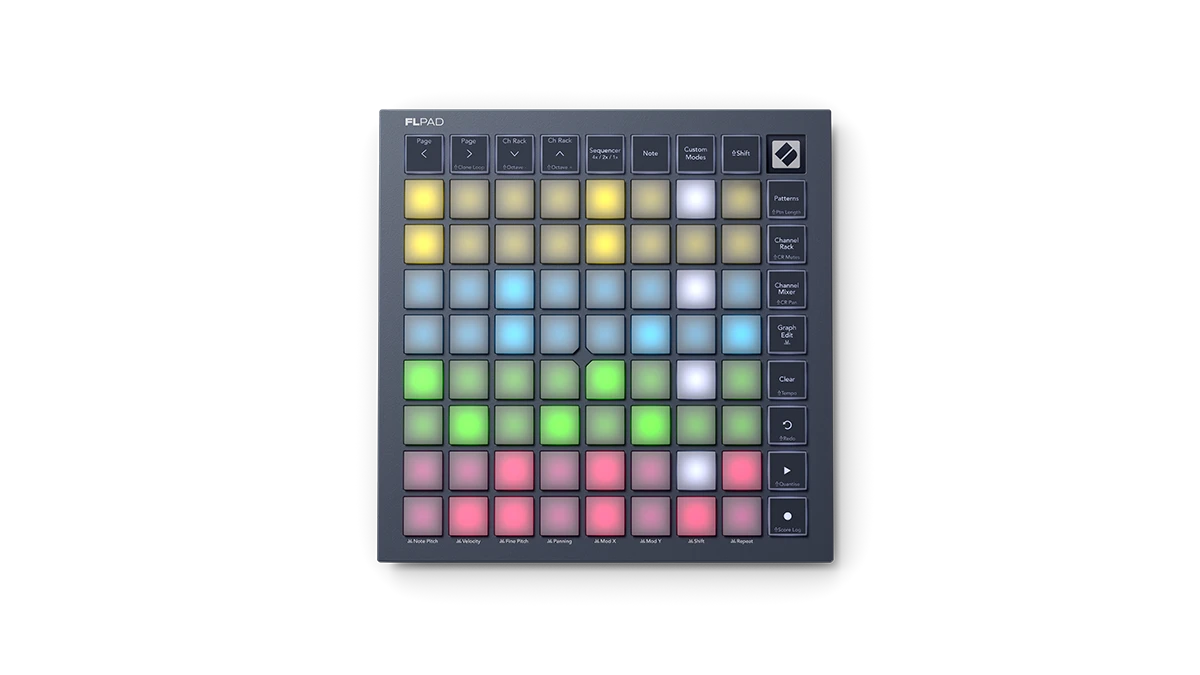
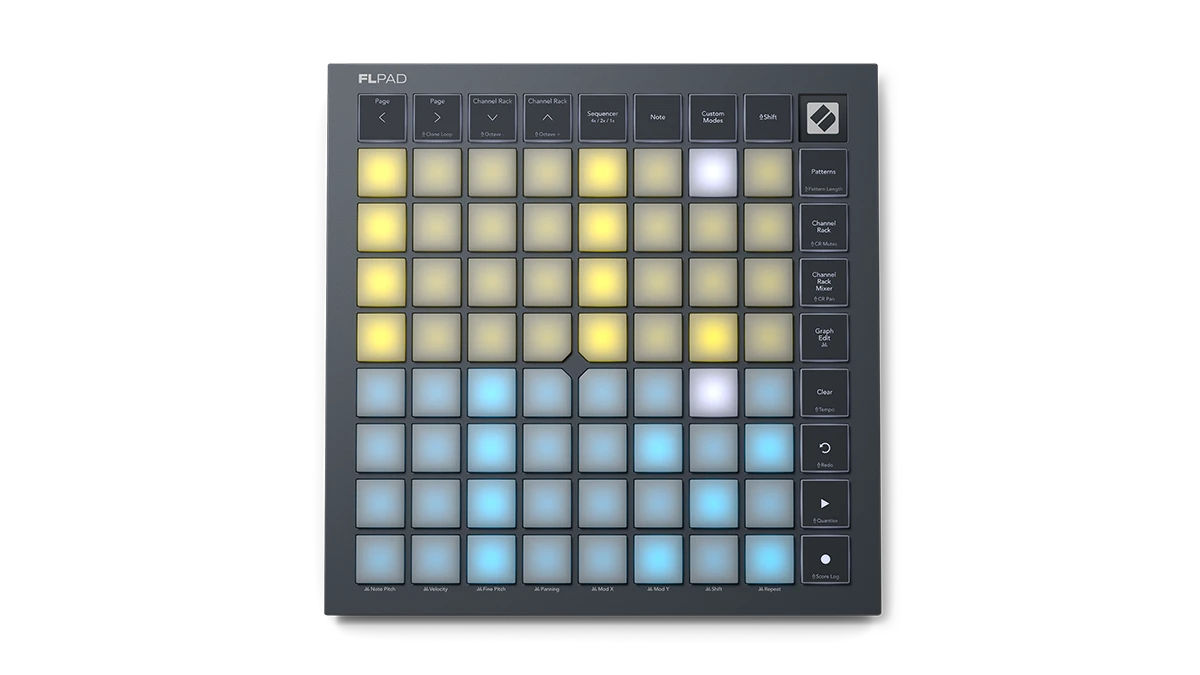
Pick your FLpad

Watch video

Faster beats, step by step.

FLpad is built to get your beats flowing in FL Studio. Trigger samples in the Channel Rack, step sequence up to four instruments at once, play parts live, and develop ideas with Patterns — all from the grid.
Watch video

Co-developed with Image-Line

Made for FL Studio

Co-developed with Image-Line, FLpad is the first 8x8 grid controller built specifically for FL Studio. Its pads bring a tactile, groovebox-like workflow to making beats in the Channel Rack.

FLpad vs FLpad Mini

The right size for your setup

Both FLpad Mini and FLpad feature 64 RGB-backlit pads for sequencing, finger drumming, and playing melodic instruments. With fixed-velocity mini pads, the former is ideal for space-constrained setups or beatmaking on the go. The latter’s bigger, velocity sensitive pads are perfect for expressive finger drumming and melodic playing.

Included software

All you need to start making beats

All you need to start making beats

Get started right away with six months of FL Studio Producer Edition, including 100+ built-in instruments and effects. Need even more? You also get a collection of premium plugins from UVI, Klevgrand, and GForce plus finger-drumming lessons from Melodics.
Six months of FL Studio

Six months of FL Studio

FLpad comes with six months of FL Studio Producer Edition. Start creating right away with 27 built-in instruments, 59 different effects, and essential tools like audio recording and stem separation.
Melodics

Melodics

Fine-tune your finger drumming with a selection of bespoke lessons in Melodics, the app that teaches you to play.
Instruments and effects

Instruments and effects

FLpad comes with a selection of premium plugins: UVI Prime 8+, Klevgrand Slammer and LUXE, and a trio of powerful synthesisers from GForce.

Compare FLpad

FLpad MiniFLpad Mini FLpadFLpad
Hardware
Pads 64 64
Pad size Mini Full size
Grid layout 8x8 8x8
Velocity-sensitive ✘ ✔
Bus powered ✔ ✔
Performance views
Sequencer ✔ ✔
Note ✔ ✔
Patterns ✔ ✔
Channel Rack ✔ ✔
Channel Rack Mixer ✔ ✔
Graph Edit ✔ ✔
Custom Modes x4 x4
Shift views and functions
Clone Loop ✔ ✔
Octave Up and Down ✔ ✔
Pattern Length ✔ ✔
Channel Rack Mutes ✔ ✔
Channel Rack Pan ✔ ✔
Transport and workflow buttons
Record ✔ ✔
Play ✔ ✔
Undo/Redo ✔ ✔
Clear ✔ ✔
Tempo ✔ ✔
Quantise ✔ ✔
Score Log ✔ ✔
Weights and dimensions
Width 180 mm (7.10 in) 240 mm (9.45 in)
Height 180 mm (7.10 in) 240 mm (9.45 in)
Depth 15 mm (0.57 in) 18 mm (0.69 in)
Weight 0.38 kg (0.85 lbs) 0.83 kg (1.83 lbs)
Order now Order now

Need keys?

FLpad is made to play and sequence beats in the Channel Rack. For keys and control over the rest of FL Studio, consider FLkey.

Frequently asked questions

From working directly with Image-Line on two generations of FLkey, we’ve learned that FLpad similarly requires its own deliberately designed user interface to offer an intuitive, immediate connection to FL Studio’s unique workflows.

No, there are also many changes under the hood. For FLpad we made numerous firmware changes that allowed us to make the most of the specific features we wanted to deliver in FL Studio. Launchpad's design, firmware, and scripts are designed to work across multiple other DAWs.

The core features and functionality are consistent across the range. FLpad features velocity sensitivity for more expressive finger drumming and melodic playing, whereas FLpad Mini can only be played with fixed velocity.

FL Studio does not support polyphonic aftertouch by default, but FLpad does send polyphonic aftertouch data. This works with the Custom Modes, allowing you to control supported software and hardware.

Yes. With Custom Modes, FLpad can be used as a generic MIDI controller with other MIDI-capable hardware or software. For deeper control of another DAW such as Ableton or Logic, we recommend the Launchpad range.

FLpad is focused on Channel Rack sequencing and delivers a groovebox-like workflow for immediate music making regardless of your keyboard skills. It makes it easy to manage Patterns and Channel Rack information for multiple tracks simultaneously, and the 8x8 grid offers a greater degree of flexibility for sequencing.

Yes, FLkey and FLpad can be used together to control your FL Studio projects. Any changes you make to the project will be shown on both controllers, though the two controllers do not interact with one another.

The full functionality of FLpad relies on scripts for the desktop version of FL Studio, but it can still be used as a generic MIDI control in FL Studio Mobile.

Currently, FLpad only controls the Patterns as part of its deep Channel Rack integration. We’d be happy to hear any feedback you have for enhanced Playlist control on FLpad.

Explore FLpad articles

View all